
By Sandeep Maurya · Reviewed by Arshi Chadha, Founder
How to Correctly Read Your Solar Net Meter Display
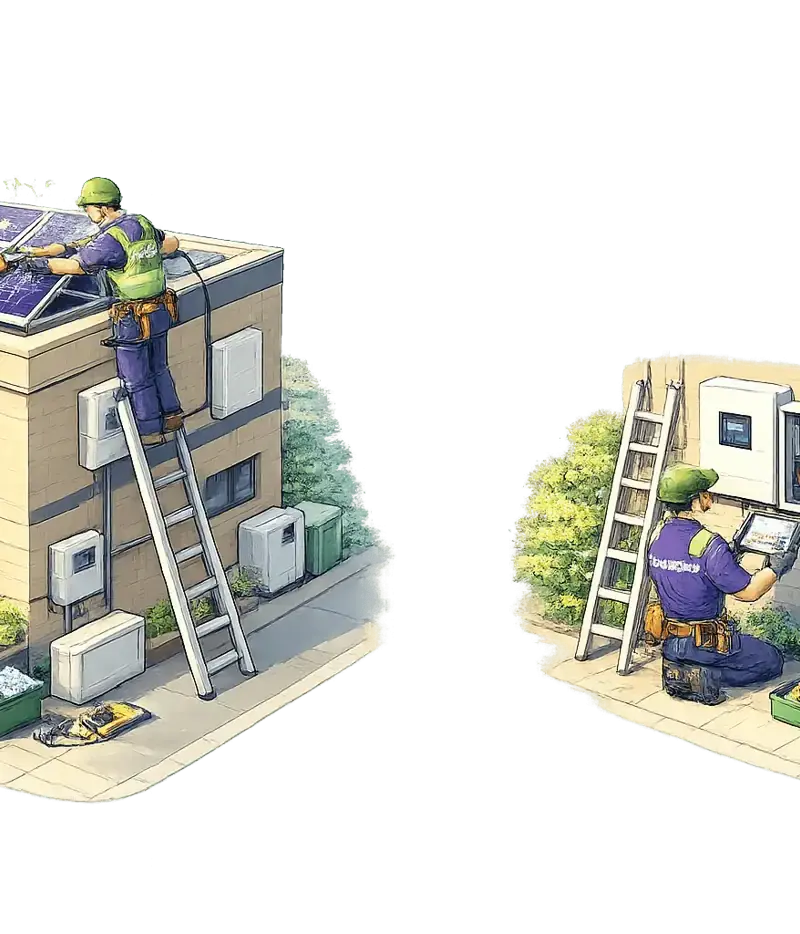
Most homeowners in Delhi NCR realize their solar panels are working when they see the inverter lights blinking green, but they get stuck the moment they stand in front of the digital net meter. I’ve visited hundreds of sites where customers were convinced their system wasn't "exporting" simply because they didn't know which button to press or which code to look for on their Secure or Genus meter.
A digital net meter is a bidirectional device. Unlike a standard meter that only counts what you consume, this one tracks two distinct flows of energy. If you are under the PM Surya Ghar Muft Bijli Yojana, understanding these numbers is the only way to ensure your DISCOM is billing you correctly.
Identifying ‘Export’ vs ‘Import’ Parameters
When you look at your meter, the display cycles through several screens. You don't need to worry about most of them (like date, time, or battery status). You need the Cumulative KWh (kilowatt-hour) readings.
The Import Reading (KWh)
This is the energy you pulled from the grid when your solar wasn't producing enough—like at night or during a heavy thunderstorm. In Delhi, BSES Rajdhani typically marks this as "Import" or uses a specific OBIS code. On a Solar Calculator, this is the number we subtract from to find your savings.
The Export Reading (KWh)
This is the magic number. It represents the surplus solar energy your house didn't use, which traveled back through the wires to the grid. This happens when your panels are peaking (usually between 11 AM and 3 PM) and your home load is low.
The Net Reading
Some modern meters calculate this for you, but most DISCOMs in Haryana (DHBVN) and UP (PVVNL) prefer to see the raw Import and Export figures and do the math on the server.
Understanding Net Billing vs. Net Metering in Delhi NCR
I often get calls from residents in Noida or Gurgaon asking why their neighbor gets a "credit" for units while they get a "payment." This comes down to the policy under which you are registered.
- Net Metering: This is what most residential users have. If you import 500 units and export 400 units, you are billed for only 100 units. The "units" are adjusted 1:1. Surplus units are carried forward until the end of the financial year.
- Net Billing (Gross Metering): Often applied to larger commercial setups or specific new connections where the DISCOM buys your solar energy at a lower "feed-in tariff" (often around ₹3-4) while charging you the full residential rate for what you consume.
In Delhi, the Delhi Solar Energy Policy 2023 ensures residential users get the 1:1 benefit. If you’re confused about your specific slab, check out our guide on Net Metering in India.
Common Net Meter Display Codes and Definitions
Whether you have a Secure, Genus, or L&T meter, the codes (OBIS codes) are generally standardized across DISCOMs like BSES and TPDDL.
| Display Code (Typical) | Parameter | Description |
|---|---|---|
| 03 or KWh Imp | Cumulative Import | Total energy consumed from the grid since installation. |
| 05 or KWh Exp | Cumulative Export | Total solar surplus sent to the grid since installation. |
| 07 | Net KWh | The mathematical difference (Import - Export). |
| KVAH | Apparent Energy | Used for commercial billing; includes reactive power. |
| MD | Maximum Demand | The highest load (in kW) you drew from the grid this month. |
Note: If your meter shows 'Error' or 'Batt Low', your solar generation reading might still be happening, but the data isn't being recorded or transmitted correctly.
How to Verify if Your DISCOM Bill Matches Your Meter
Don't wait for the bill to arrive to find out there's a discrepancy. We recommend our AMC clients keep a simple logbook. Once a month, on the same day (e.g., the 1st), note down the Import and Export readings.
The Real Example: A 3BHK home in Dwarka with a 5kW system installed by us.
- Meter Reading (Oct 1): Import 10,000 | Export 5,000
- Meter Reading (Nov 1): Import 10,400 | Export 5,600
- Calculation:
- Units Imported: 400
- Units Exported: 600
- Net Units: -200 (Surplus)
- Bill Result: The customer pays ₹0 for energy charges (only fixed charges and taxes) and carries 200 units forward to December.
If your bill shows 500 units imported but your meter only shows 400, you have a "punching error" or a faulty meter. If this happens, you need to contact your DISCOM immediately. We’ve written a guide on how to read your BSES solar bill to help with the jargon.
Talk to a solar engineer — not a salesperson
Enter your pincode and monthly bill. If we install in your area, an engineer answers on WhatsApp with your numbers.
What would solar save on YOUR bill?
Common Error Codes on Secure and Genus Net Meters
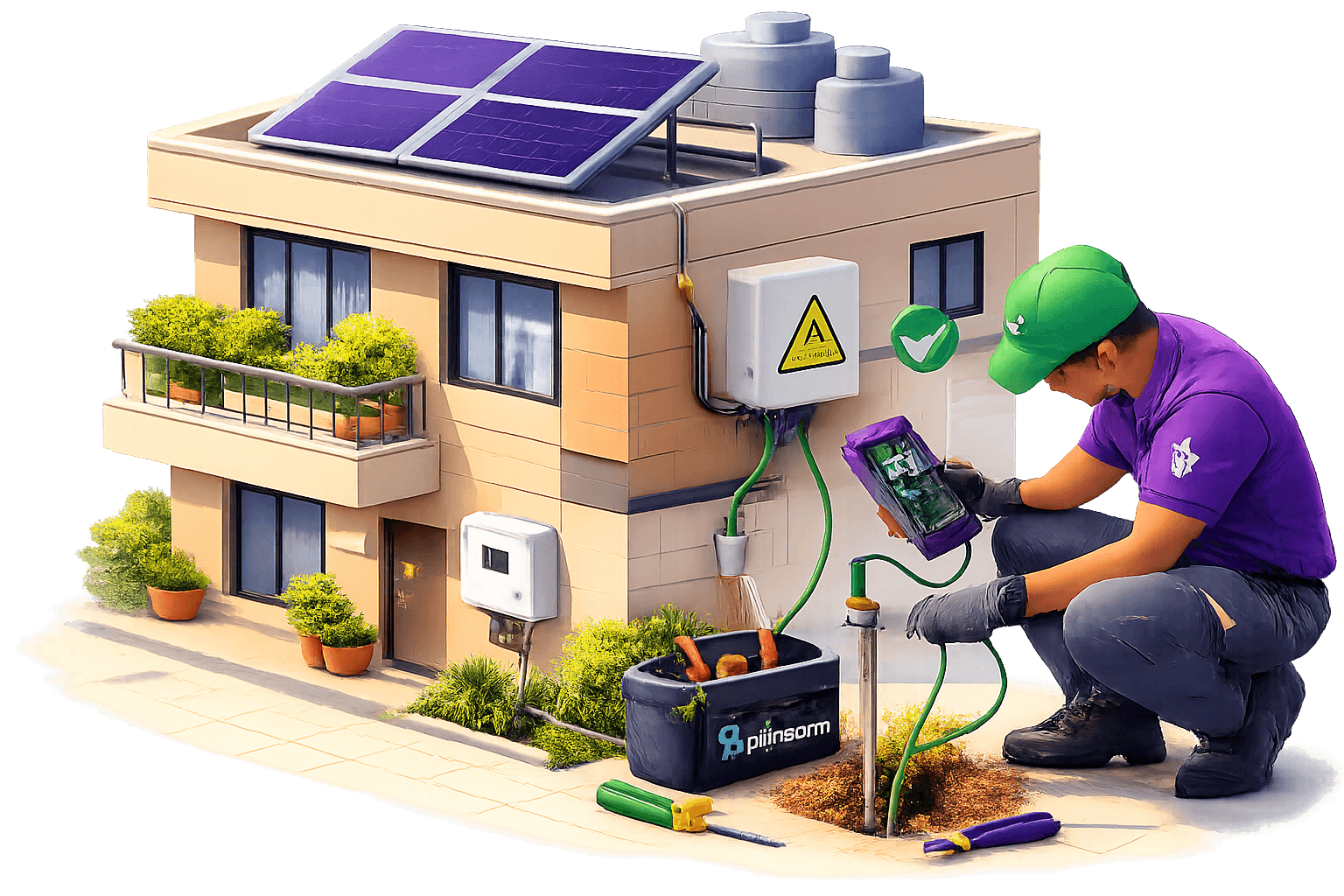
When the meter display stops cycling and stays on a specific code, it’s usually a red flag. Here is what I usually see in the field:
- 'Err 01' (Secure Meters): Often relates to a memory or RTC (Real Time Clock) failure. If the clock is wrong, your TOD (Time of Day) billing will be incorrect.
- 'rLy' or 'Relay' (Genus): The internal switch has tripped. This might happen during a heavy surge.
- Reverse Flow Icon: On a non-solar meter, this is an error. On a net meter, this is good! It means your solar is currently exporting to the grid.
- Neutral Disturbance: Common in old colonies with poor wiring. This can make your net meter export import reading inaccurate.
If your solar panels stopped working, the meter won't show an error; it will just show 0W export even in bright sunlight. That's an inverter or string issue, not a meter issue.
Solar Generation vs. Net Meter Export
One point of confusion I see every day: Your net meter does NOT show total solar generation.
Your 5kW system might generate 20 units today. If your ACs were running and consumed 15 units, the net meter will only show an Export of 5 units. To see the full 20 units, you must check your solar inverter's app or the dedicated generation meter (if installed).
We’ve seen that dirty panels lose 25% output, so if your export numbers look low compared to last year, it’s likely time for a cleaning, not a meter replacement.
If you are just starting your solar journey, use our Solar Calculator to see what your expected readings should look like. And if you're in the Delhi NCR area and need a professional to look at a system that isn't performing, you can always get a free quote for a system health check.
FAQ
Why is my export reading not increasing even when it's sunny?
This usually happens because your home is consuming all the solar power as it is being generated. The net meter only records "Export" when there is a surplus. If you turn off your heavy appliances for an hour in the afternoon, you should see the export reading start to climb. If it still doesn't, check your inverter for fault codes.
How do I calculate my monthly savings from the net meter?
Subtract your current month's Export from last month's Export to get 'Units Exported'. Do the same for Import. If Export > Import, your energy bill is effectively zero (plus fixed charges). If Import > Export, you pay energy charges only on the difference. Multiply these 'Net Units' by your slab rate (e.g., ₹8/unit in Delhi) to see the savings.
Does the net meter work during a power cut?
No. For safety reasons (anti-islanding), your solar system shuts down during a grid failure to prevent sending electricity into a line where workers might be performing repairs. Consequently, the net meter will not record any activity until the grid power is restored.
What is the 'KVAH' reading on my meter?
KVAH stands for Kilovolt-Ampere Hour. While residential users are mostly billed on KWh (active power), many commercial and industrial connections in Delhi and Haryana are billed on KVAH. This includes "reactive power," meaning if your building has a poor power factor, your KVAH reading will be higher than your KWh reading, leading to a higher bill.
Is the solar generation meter different from the net meter?
Yes. The solar generation meter (often required for GBI incentives in Delhi) measures the total energy produced by your panels. The net meter (installed by the DISCOM) measures the interaction with the grid. You need both to truly understand your system's efficiency.
Ensure your meter box is sealed and the optical port is clean, as DISCOM readers use this for automated billing. If the "Export" reading on your physical meter is vastly different from what your inverter app says you should be saving, it’s time for a professional audit.
Every 1 kW of solar on your roof offsets 1.5 tonnes of CO₂ per year
That's 40 trees planted — every year, for 25 years.
A typical 5 kW home system offsets 187 tonnes of carbon over its lifetime. That's equivalent to taking 8 cars off the road.
See your impact →Protect your existing solar system
Annual maintenance plans — panel cleaning, remote monitoring & emergency support
Get StartedLiked this article? Get a free solar quote
Tell us about your rooftop — we'll call with exact savings for your home.
Related Articles
Annual Solar Maintenance Cost in India: DIY vs AMC vs One-Time Service
Learn the real annual solar maintenance cost in India for 2026. Compare DIY, one-time service, and AMC plans to maximize your rooftop solar savings.
Read moreNPCL Solar Net Metering in Greater Noida: Process & Documents
Learn the exact NPCL solar net metering process in Greater Noida. Get the document checklist, application steps, and timeline for rooftop solar approval in 2026.
Read moreSolar Panel Cleaning in India: Why Dirty Panels Lose 20–30% Power
Dirty solar panels can lose up to 30% of their power in India. Learn why professional cleaning is essential for ROI and how to prevent dust-related losses.
Read moreRelated guides
Delhi Electricity Rate 2026
BSES & Tata Power per-unit rates, PPAC, subsidy — sourced from DERC.
ExploreDelhi Solar Policy 2026
Free rooftop solar up to 3 kW for homes under 400 units. Eligibility & apply.
ExploreSolar Panel Price in Delhi
Live 2026 rooftop prices in Delhi after ₹1.56L subsidy. 1,200+ installs.
ExploreSolar Company in Gurgaon
Gurgaon's rooftop solar installer — 800+ systems, ₹78K PM Surya Ghar subsidy.
ExploreSolar Company in Noida
Noida & Greater Noida rooftop solar — 500+ installs, ₹1.08L stacked subsidy.
ExploreSolar Panel Price in Faridabad
Live 2026 Faridabad prices after ₹78K PM Surya Ghar subsidy. 350+ homes.
Explore